
Advanced Architectural Rendering

By Abdulrahman Alhallak

The professional architectural visualization course, for specialists, taught in Arabic. With 1 year of Contrix and AI lessons.

Buy

The Purpose of the Course

My goal: your work, stronger than mine

As a trainer, my goal is not just to bring your work to my level, but to bring you to a competitive level, stronger than my work: your success is my success as a trainer. So in the 20 hours of training in this course I gave my full experience, with all the accurate information, in innovative and simple ways of presenting and analyzing it, to deliver it smoothly. By applying the course's concepts you will, God willing, become an artist who can take your work to the highest levels.

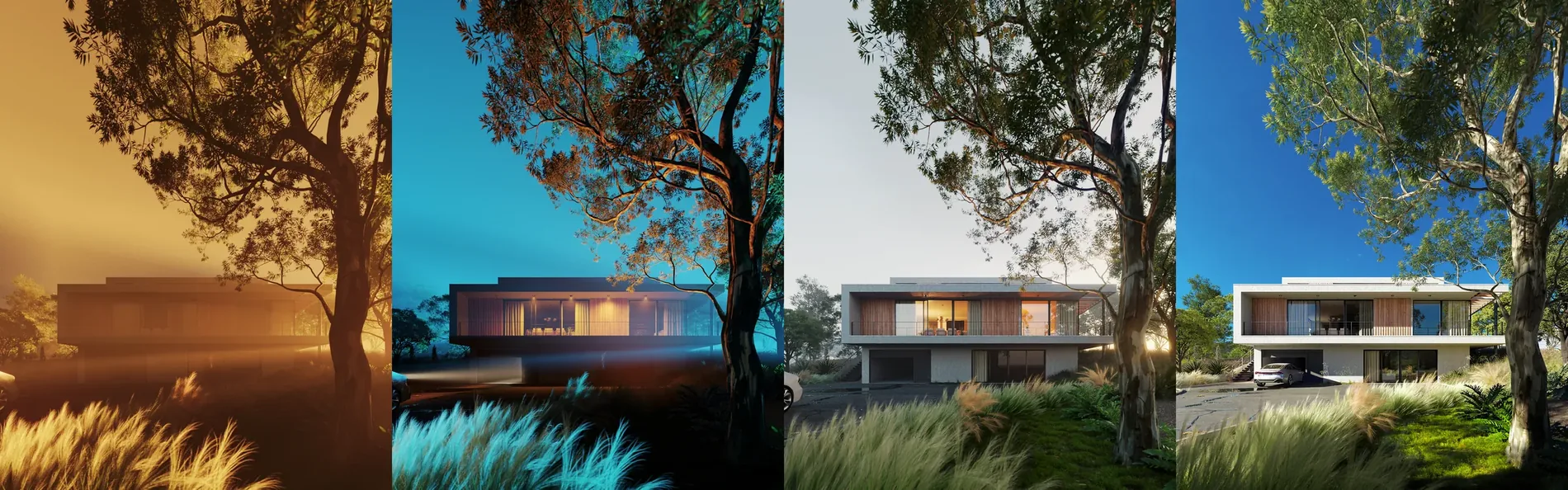
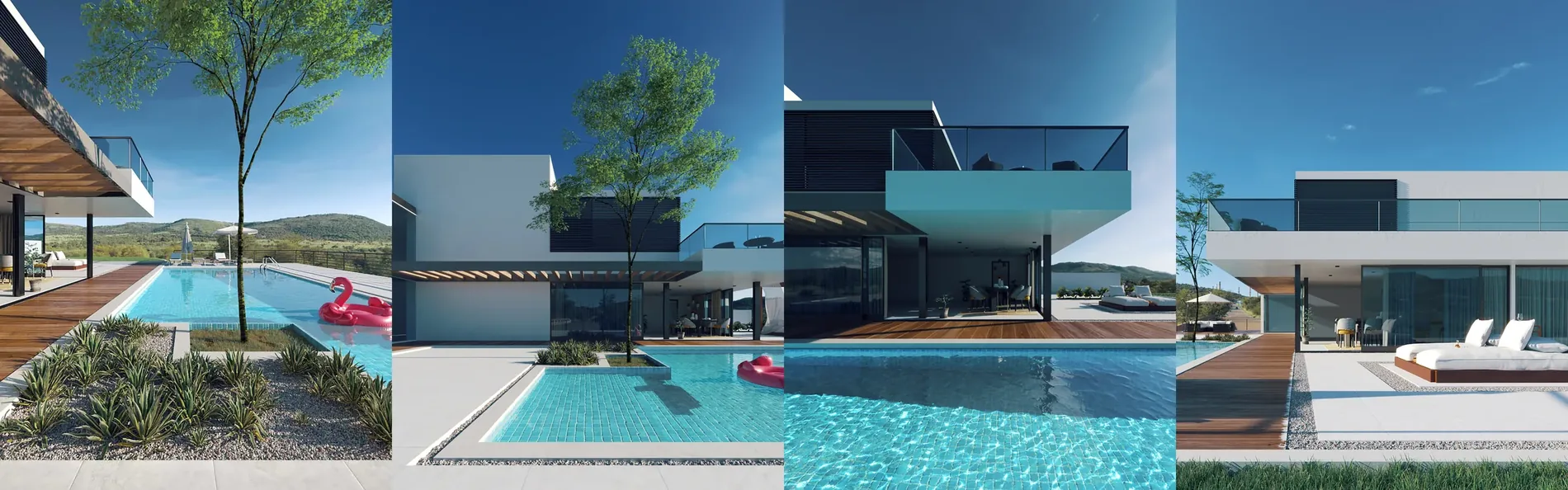
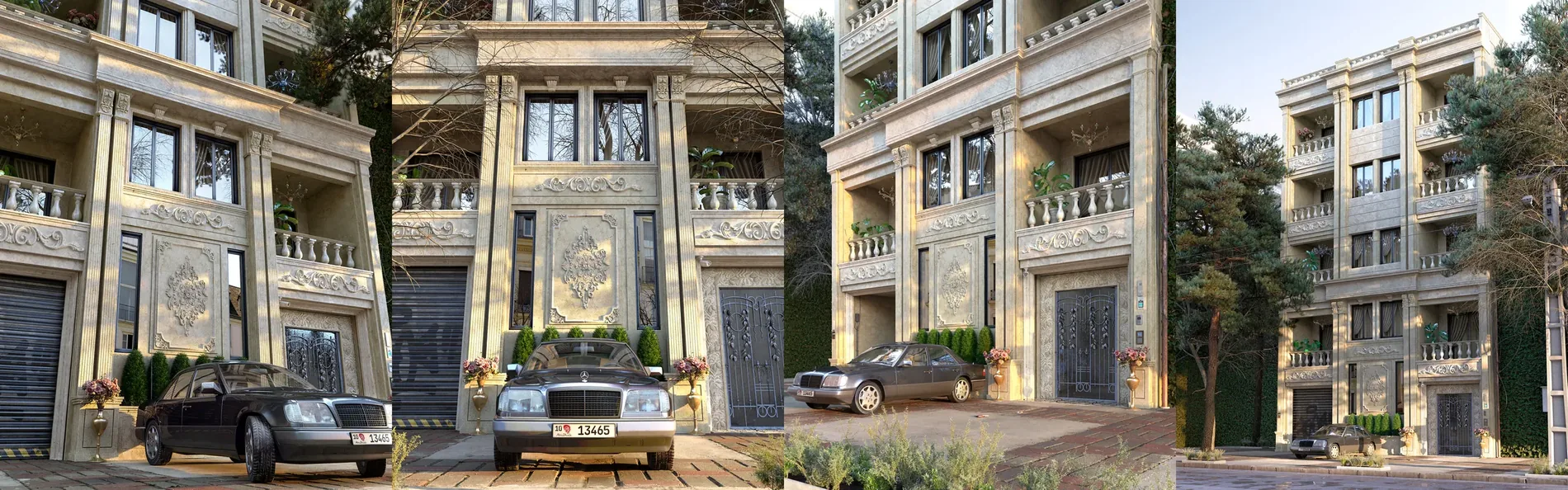
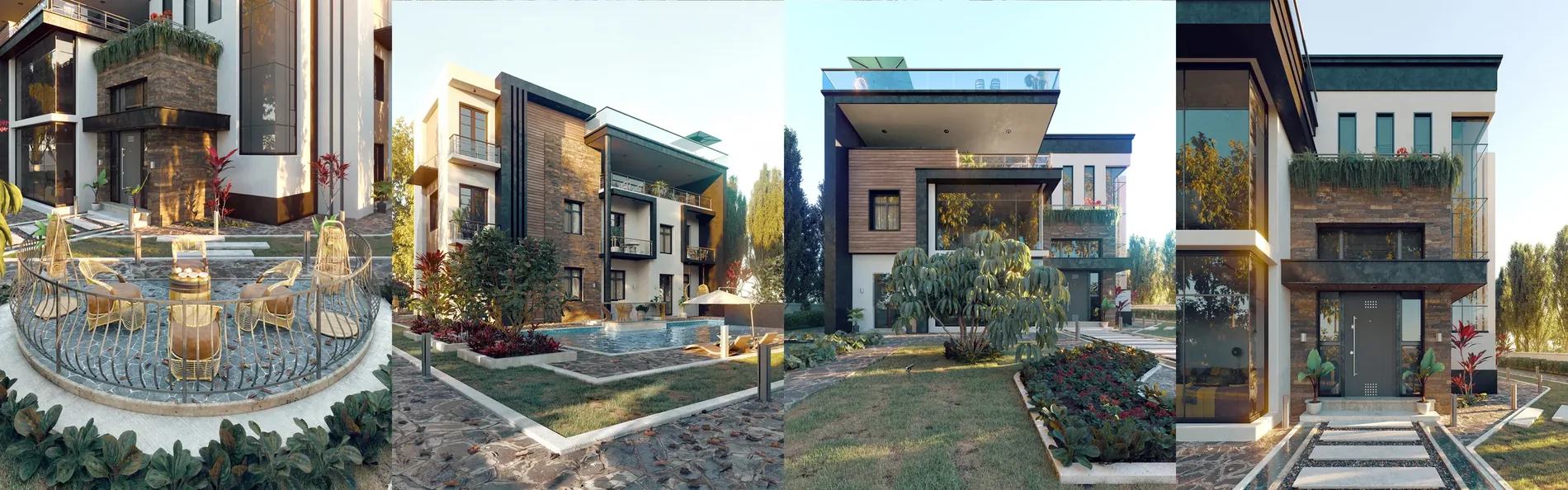
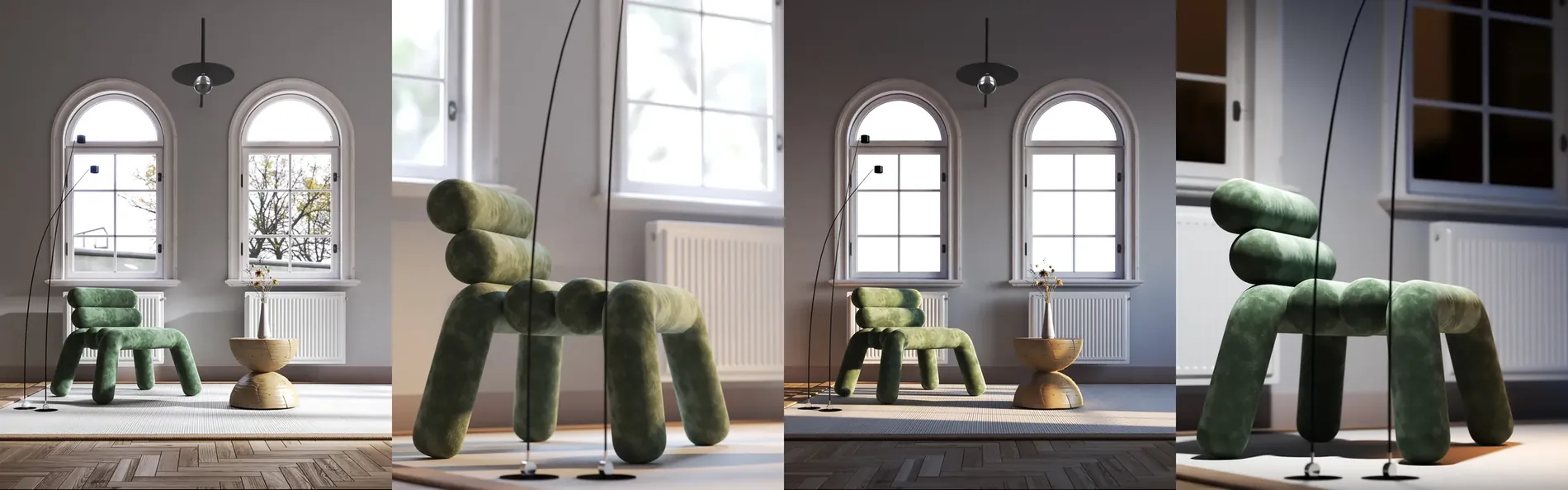
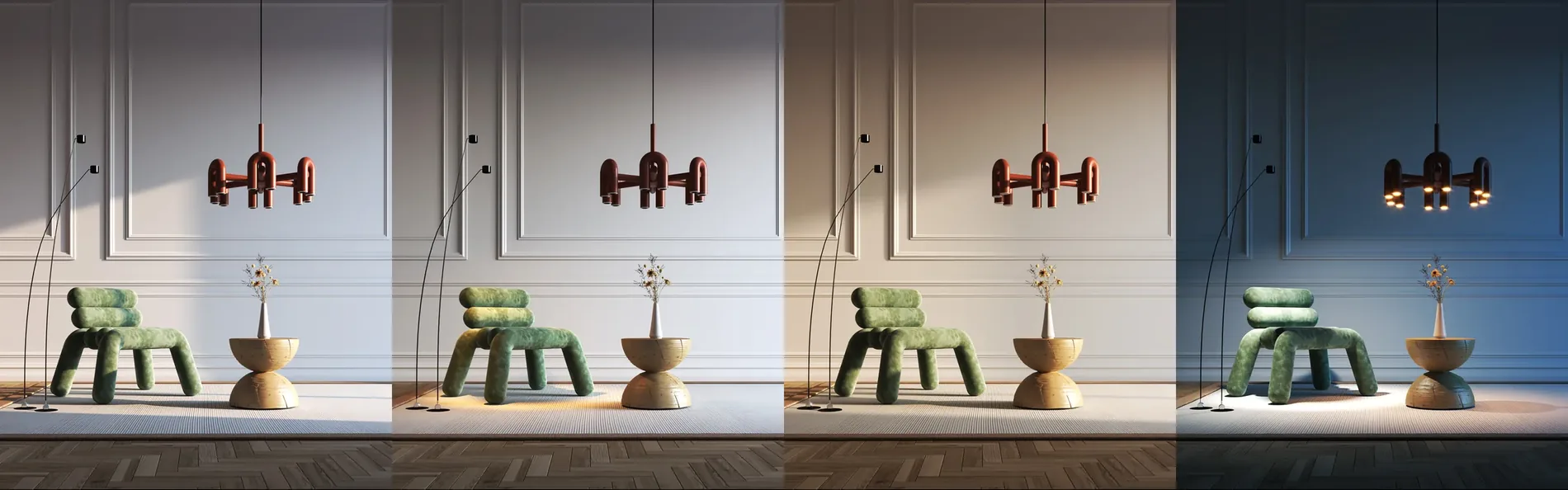
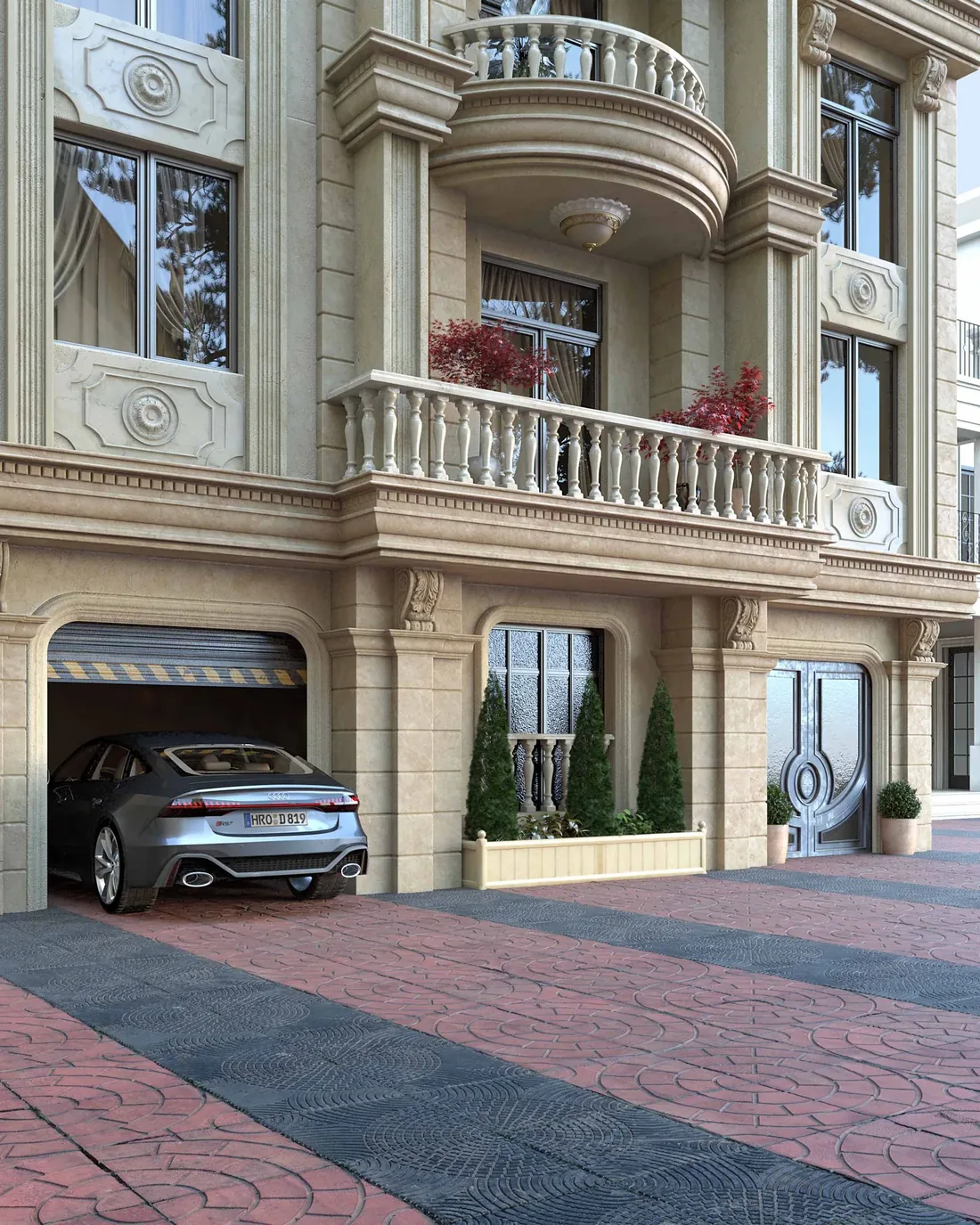
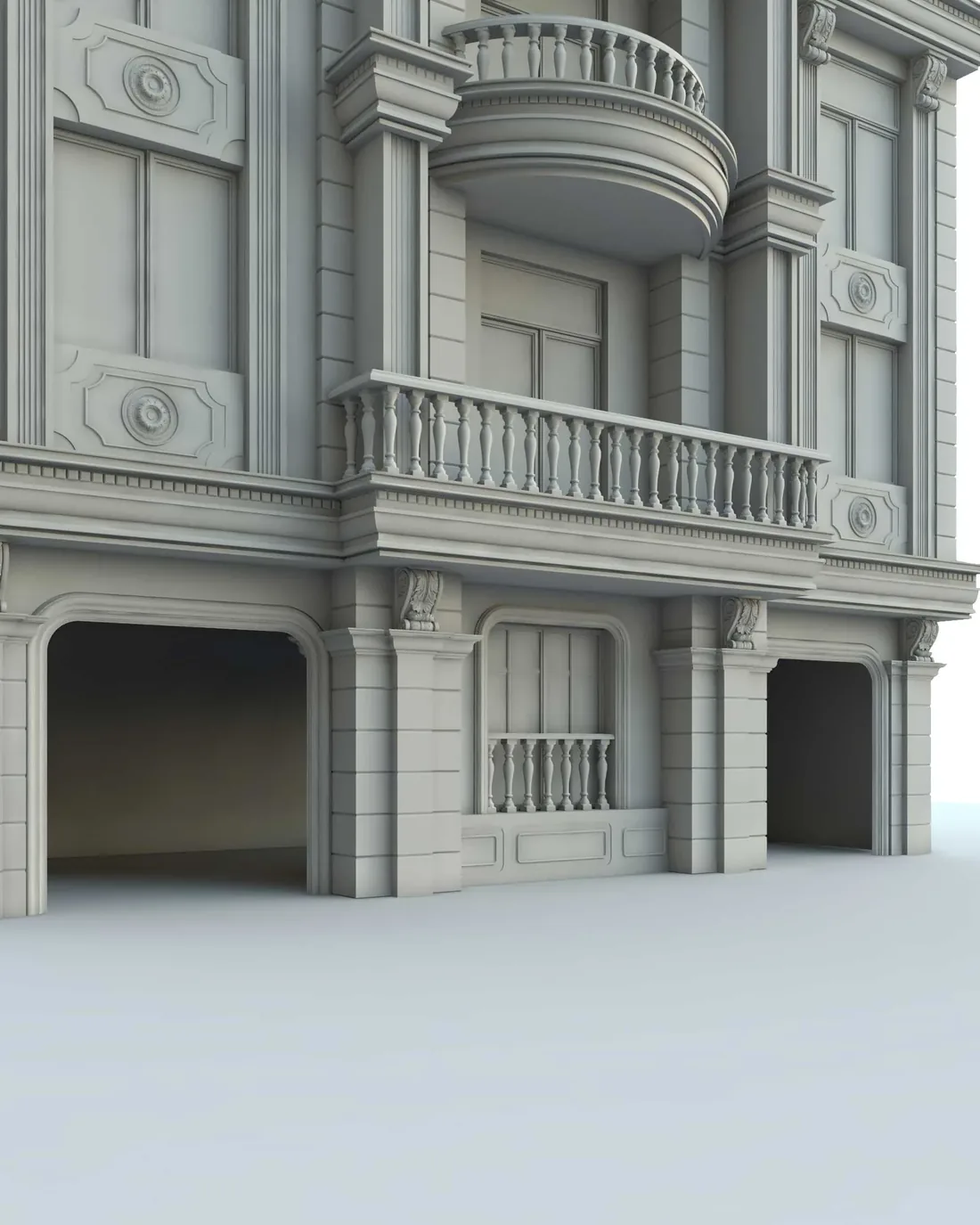
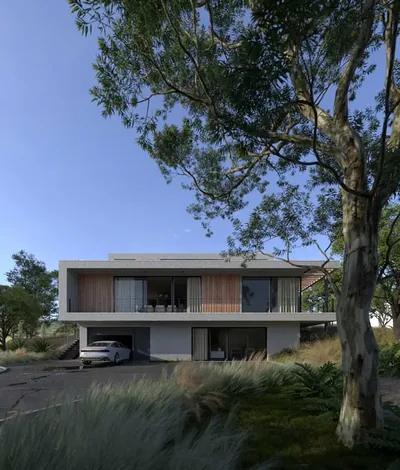
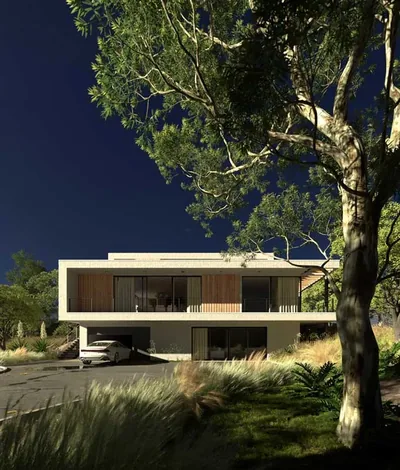
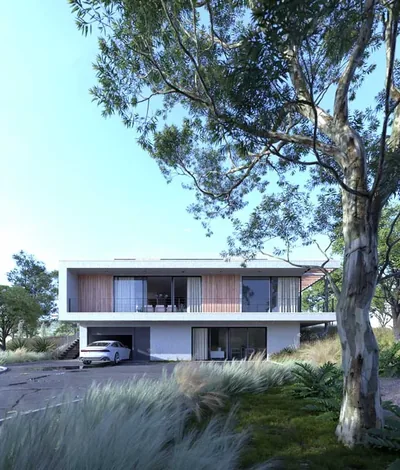
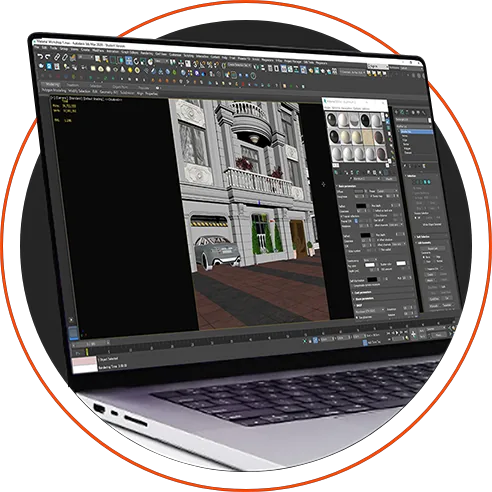
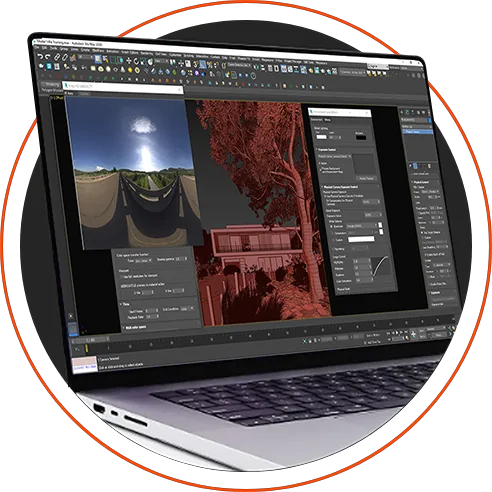
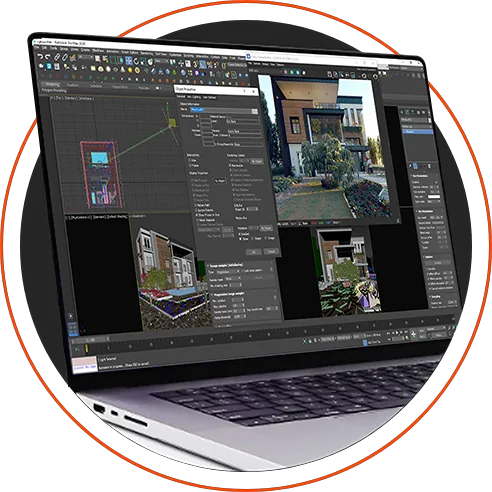
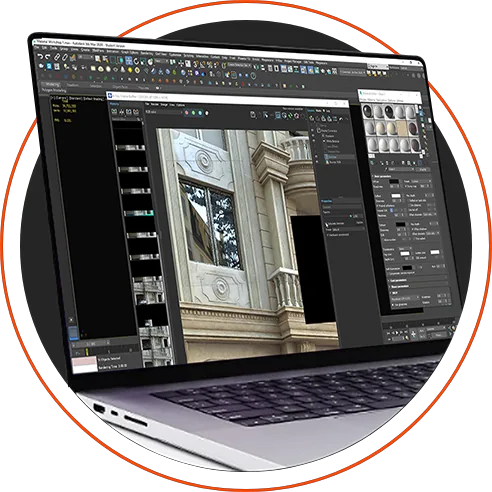
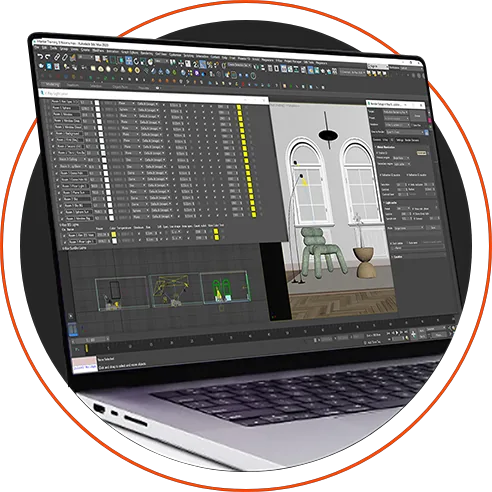
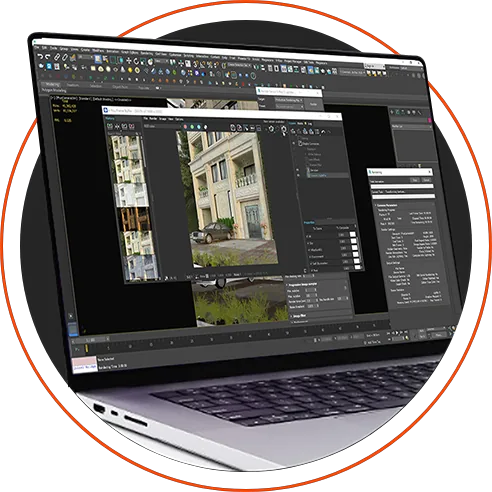
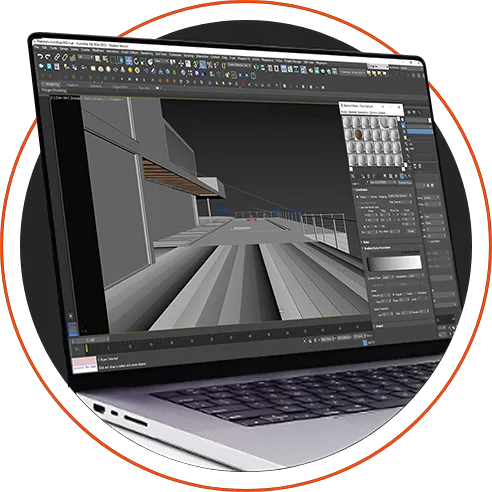
From the course workshops

About the Course

No need to choose an engine before you enroll

For specialists in architecture and interior and exterior design, to present their work in its most beautiful and realistic form, and to solve the problems they face while producing professional work, through recorded workshops and lessons.

You don’t have to choose an engine before you enroll: the course is built on V-Ray, the updates series adds a Corona interior workshop so you can work with any render engine, and the AI lessons pack comes with them. You create in the way that suits you.

  • Using the tools professionally.
  • The secrets of a successful render.
  • Visual training.
  • The foundations of beautiful realism.
  • Application on commercial projects.
  • Analyzing professional images.
  • Special techniques.
  • Solving common problems.

Steps

The Order of the Course Sections

01

Beauty

02

Planting

03

Lighting

04

Materials

05

VFB

WORKSHOPS

The Software We Will Use

Autodesk 3ds max
V-RAY
Photoshop
Forest Pack

Course Content

Beauty

In this part, we will study

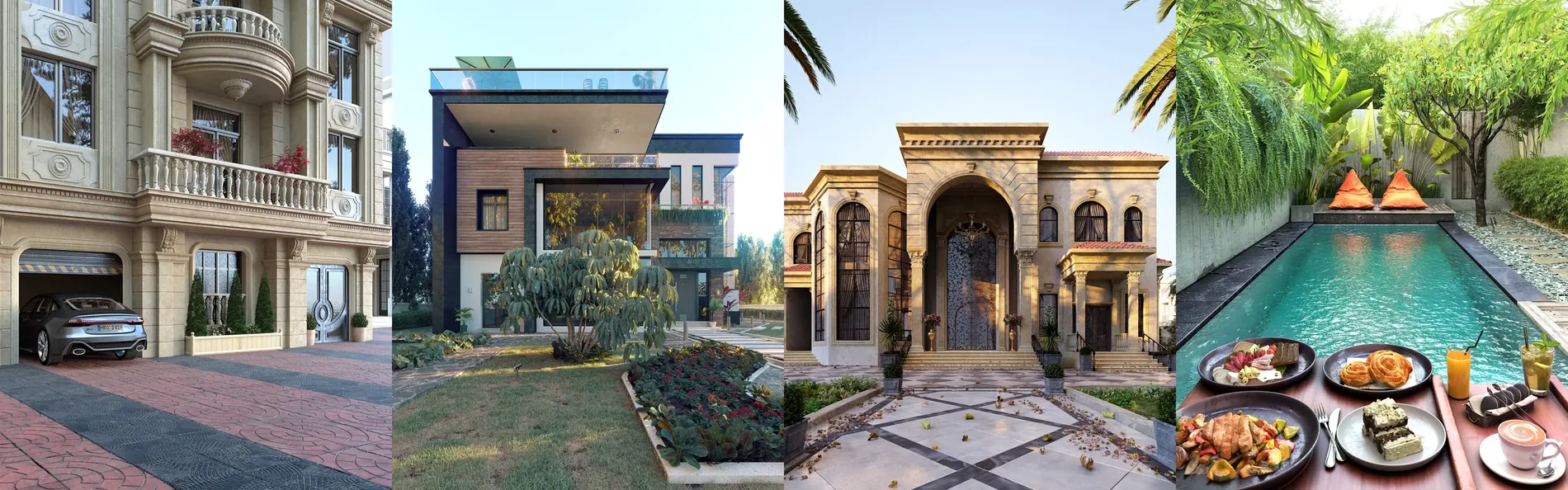
The basic concepts that produce professional images, and the secrets of a successful render under the name "Beauty" (the concept of smoothness, image composition and camera position, depth, contrast in its broadest details, the right color system, harmonious details). We will study all these concepts while reading and analyzing rich examples for visual training, and learn the ways and tools needed to achieve them in our work through practical applications.

After studying this section, you are an artist who can easily use Beauty professionally in your work.

Planting

In this part, we will study

The distribution of plants and details, one of the most influential elements in professionally visualizing the exterior environment and enriching the scene. We will solve the problems of traditional methods and of heavy files on devices, and learn physical distribution methods at the highest professional level, simulating reality, with practical applications and fast, smooth steps that save effort and time however huge the project is.

After studying this section, you are an artist who can create a realistic, rich environment for huge projects, smoothly and lightly on your device.

Lighting

In this part, we will study

The properties of lighting and its sources, identifying the main problems facing the designer and finding the right solutions through studied, professional steps, and learning the trainer's own lighting techniques with direct application on the strongest exterior projects (artistic, classic and commercial modern). We will also study practical applications in workshops for interior design.

After studying this section, you are an artist who easily controls the lighting, shadows and details of your scene, and can create realistic lighting for your exterior projects in various moods (day, night, evening, foggy, and Golden & Blue Hour), as well as lighting your interior projects (natural and artificial), to deliver distinctive artistic shots and realistic projects in the commercial market.

Materials

In this part, we will study

Materials in a different way, by dividing the life of a material into five stages (studying the physical properties of each material, applying it directly in 3ds Max, placing it on the elements realistically, adjusting it with the lighting used in the scene according to the surrounding factors, and finally its Post Production adjustments). This is done through simplified theoretical lessons and direct practical applications on the trainer's projects.

After studying this section, you are an artist who can add a touch of life to your images by creating any realistic material you need, and adjusting it to the lighting used.

VFB

In this part, we will study

The V-Ray Frame Buffer, for its great importance in recent versions of V-Ray, because it gives you great control over processing images and their colors within the wide 32bit range, which makes the color spaces and systems of the raw render large and rich, as well as controlling masks and Render Elements professionally and very smoothly. You will learn how to adjust the lights and balance them, and add the most important artistic effects to raise the professionalism of your images from inside the V-Ray Frame Buffer.

After studying this section, you are an artist who can produce a render with distinctive effects, editing and processing images professionally without resorting to other software.

06 Workshops

Everything you study, applied to the trainer’s work

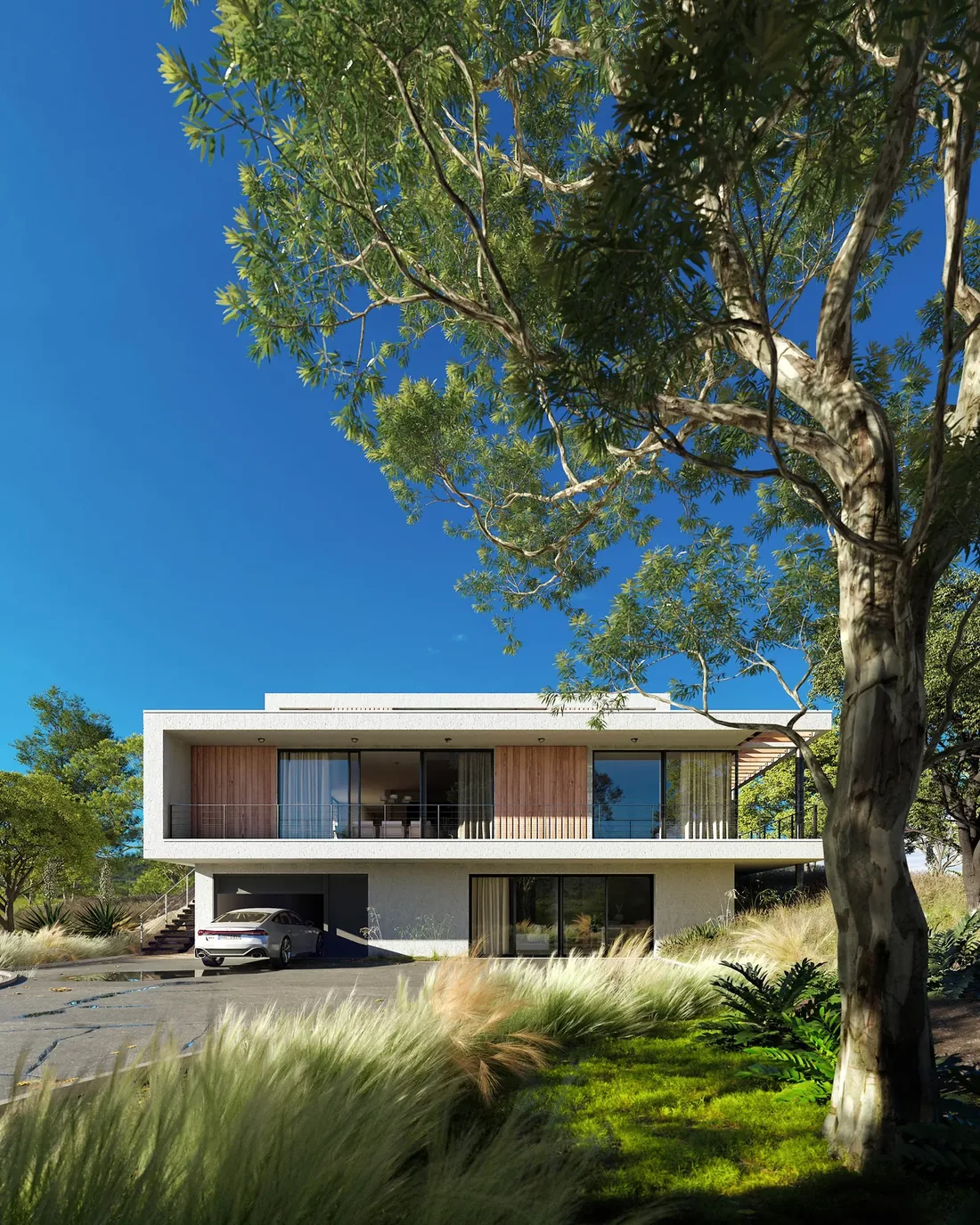
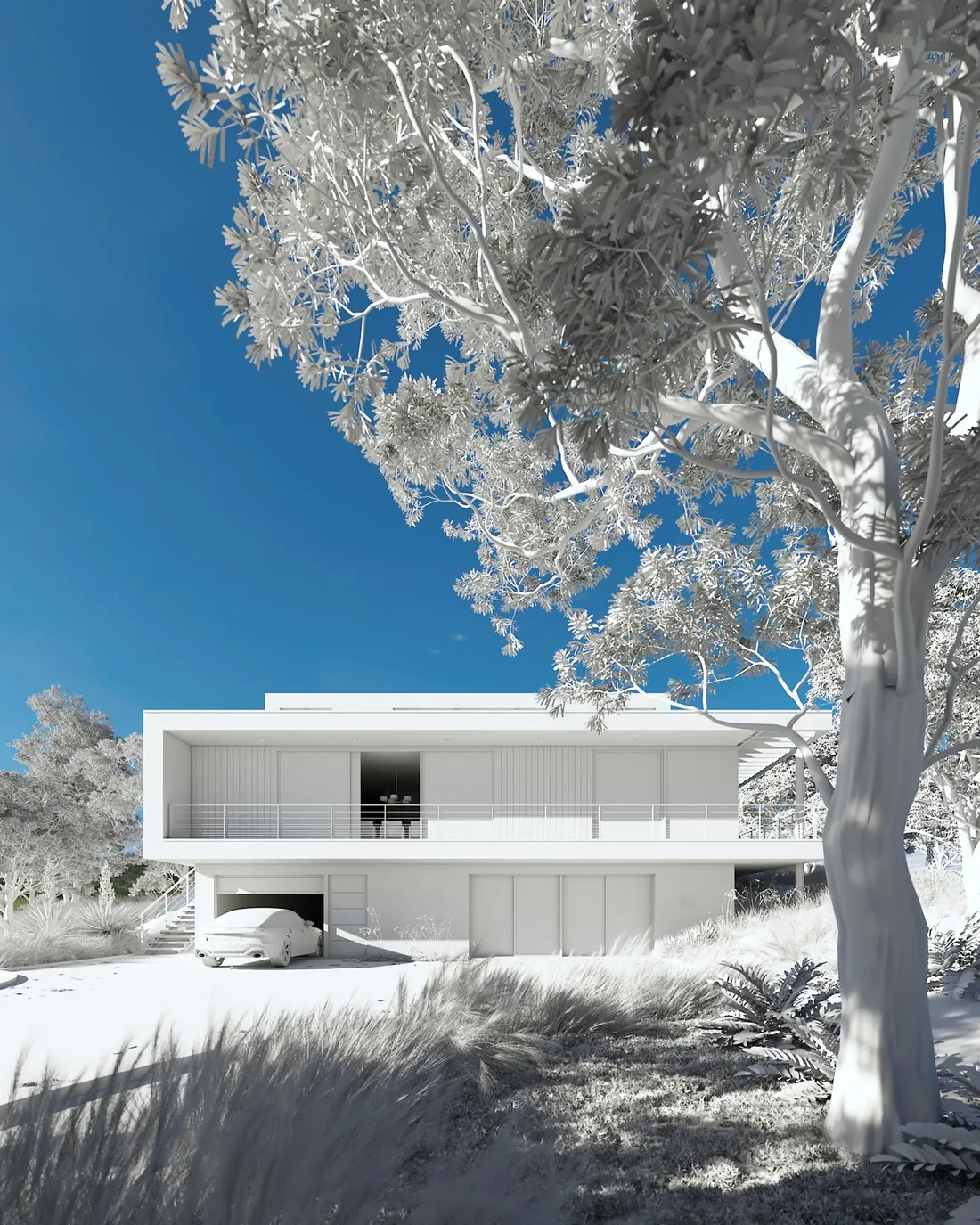
Here is the most important part, related to all the previous ones: everything studied was applied with its concepts to the trainer's work, in varied workshops for each part (Beauty, Planting, Lighting, Materials, VFB).

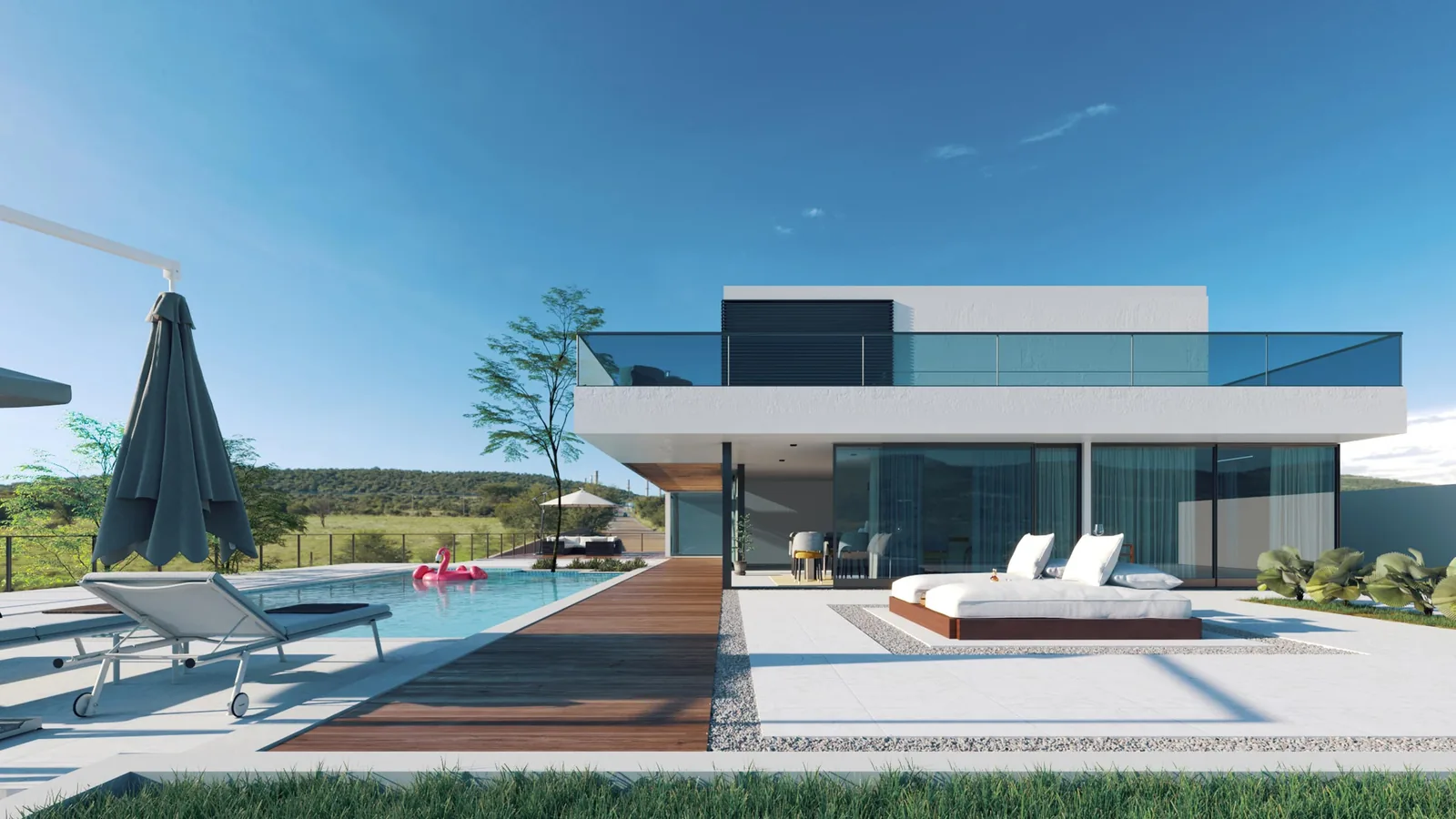
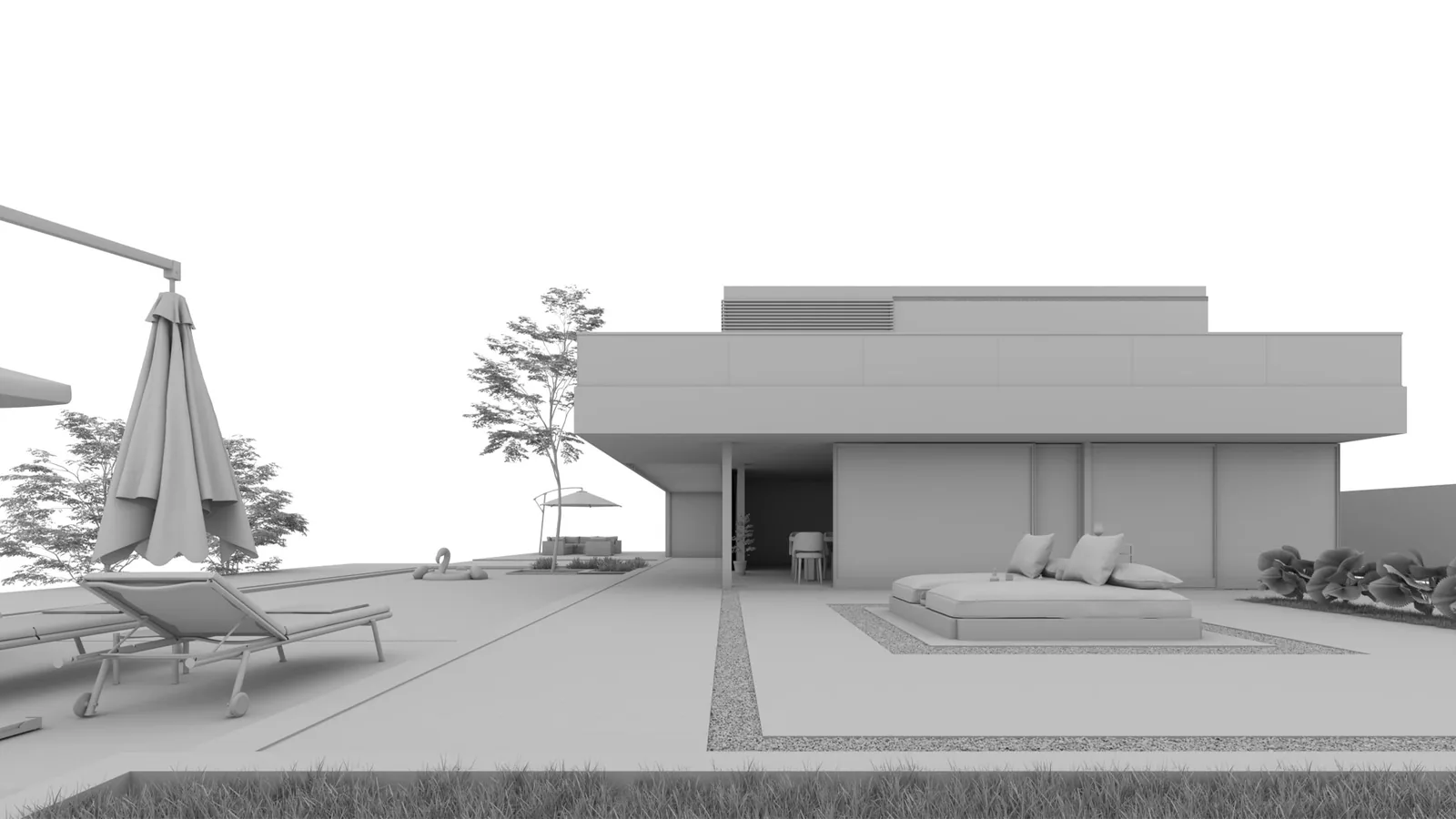
Workshop 1 from the course
Workshop 2 from the courseLightingVFB
Workshop 3 from the courseMaterialsLightingVFB
Workshop 4 from the courseLightingBeautyVFB
Workshop 5 from the courseLightingVFBBeautyPlanting
Workshop 6 from the courseLightingBeauty
Workshop 7 from the courseLighting

Interior Workshop

Lighting / VFB

Chaos Corona Workshop

Lighting / VFB

You will be able

You Can do this

You will be able to finish your whole project with realistic, professional materials, with the best touches and adjustments on the different materials.

You will be able to light your project so it gives strong contrast in the details between elements, materials and colors, using the moods the commercial market asks for most.

You will be able to choose camera angles and set their properties correctly, and to light your scene professionally while distributing details and plants in an environment that simulates reality.

You will be able to present your project with realistic materials, and to light the scene flexibly from several angles and directions.

You
Can
Do
This

You will be able to create distinctive artistic moods (night / evening / foggy), adding professional effects from 3ds Max and balancing correctly between the types of light used in the scene.

Learn how

Do it Right

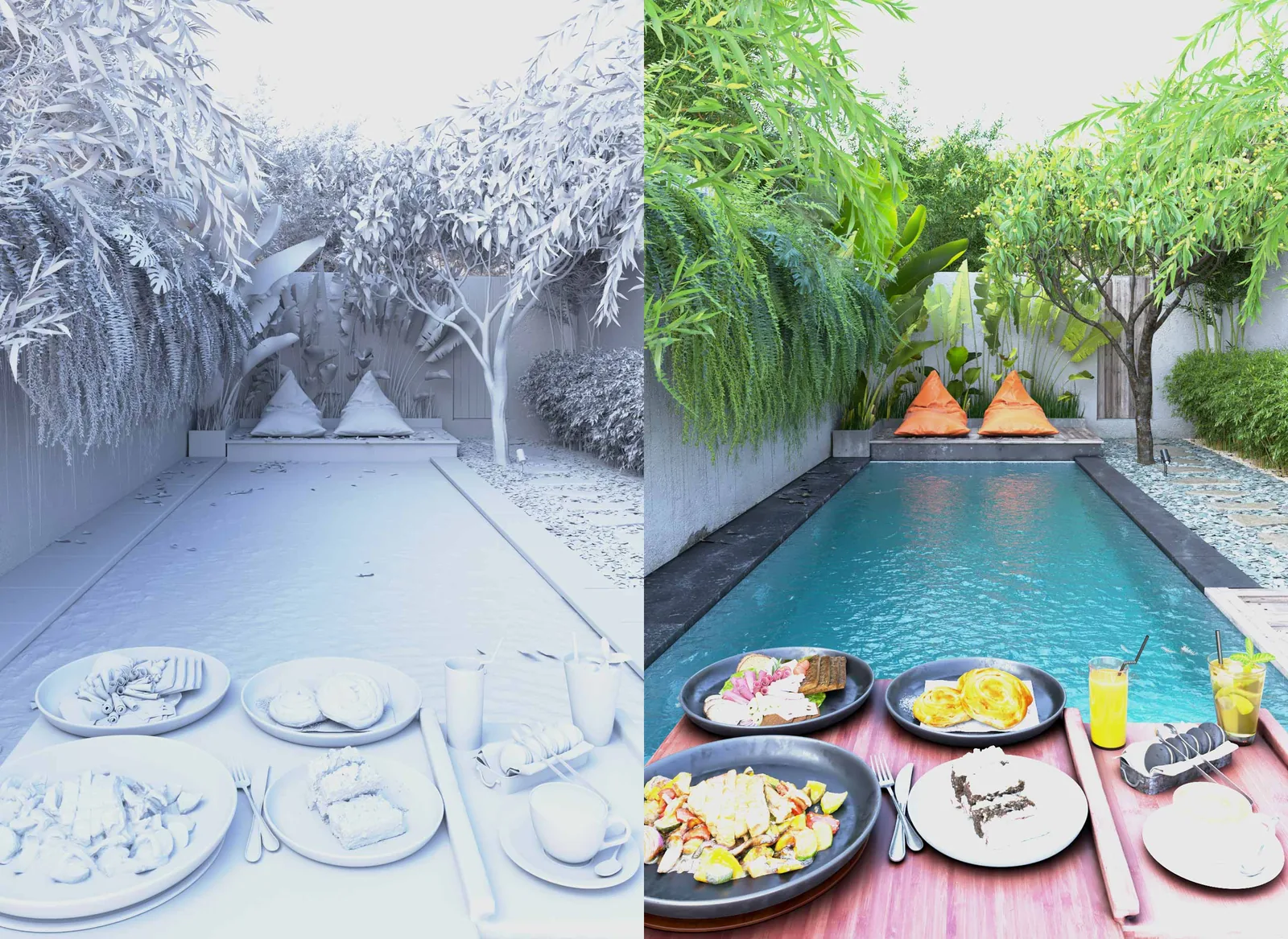
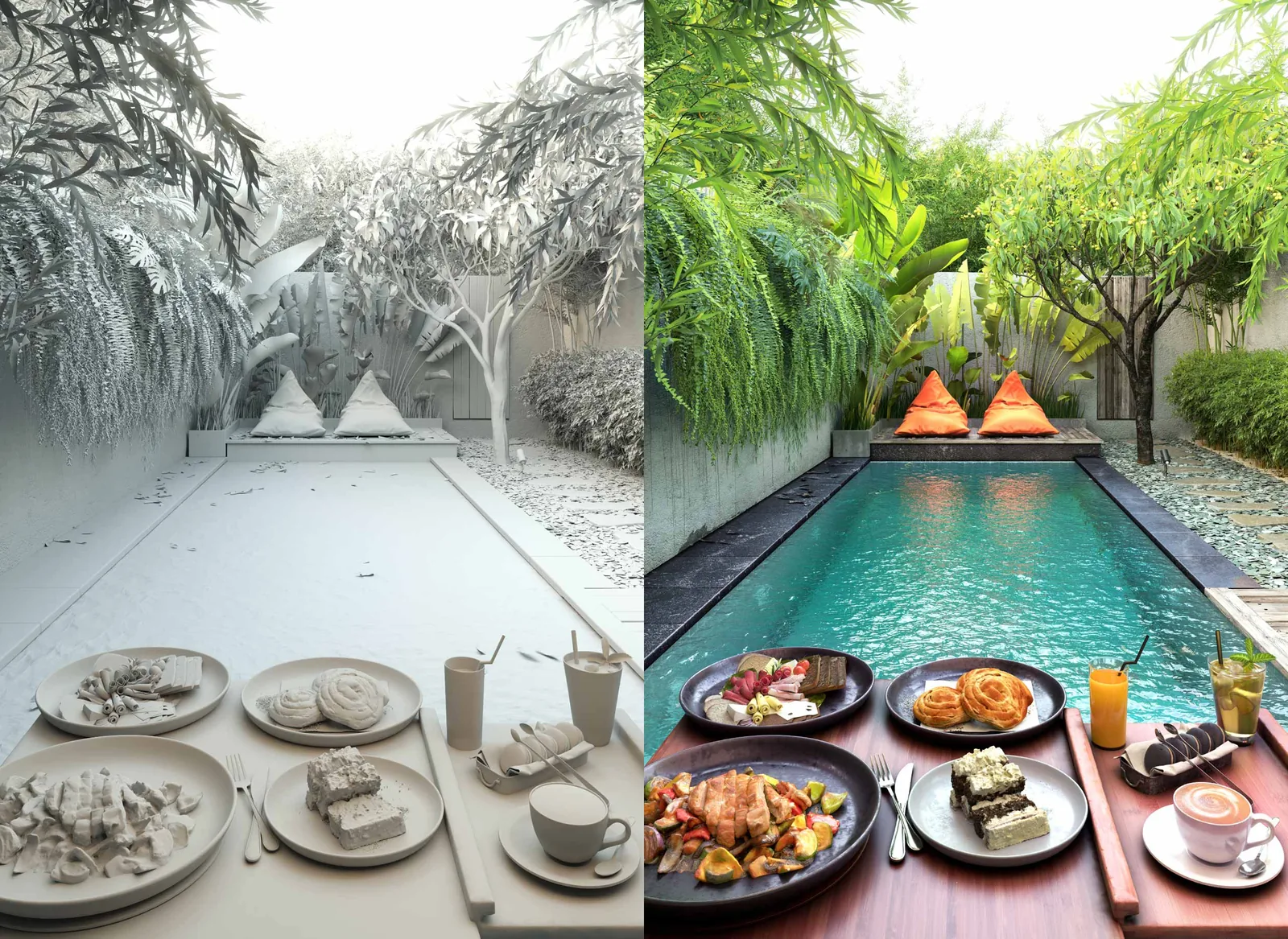
BeforeAfterWrongRight

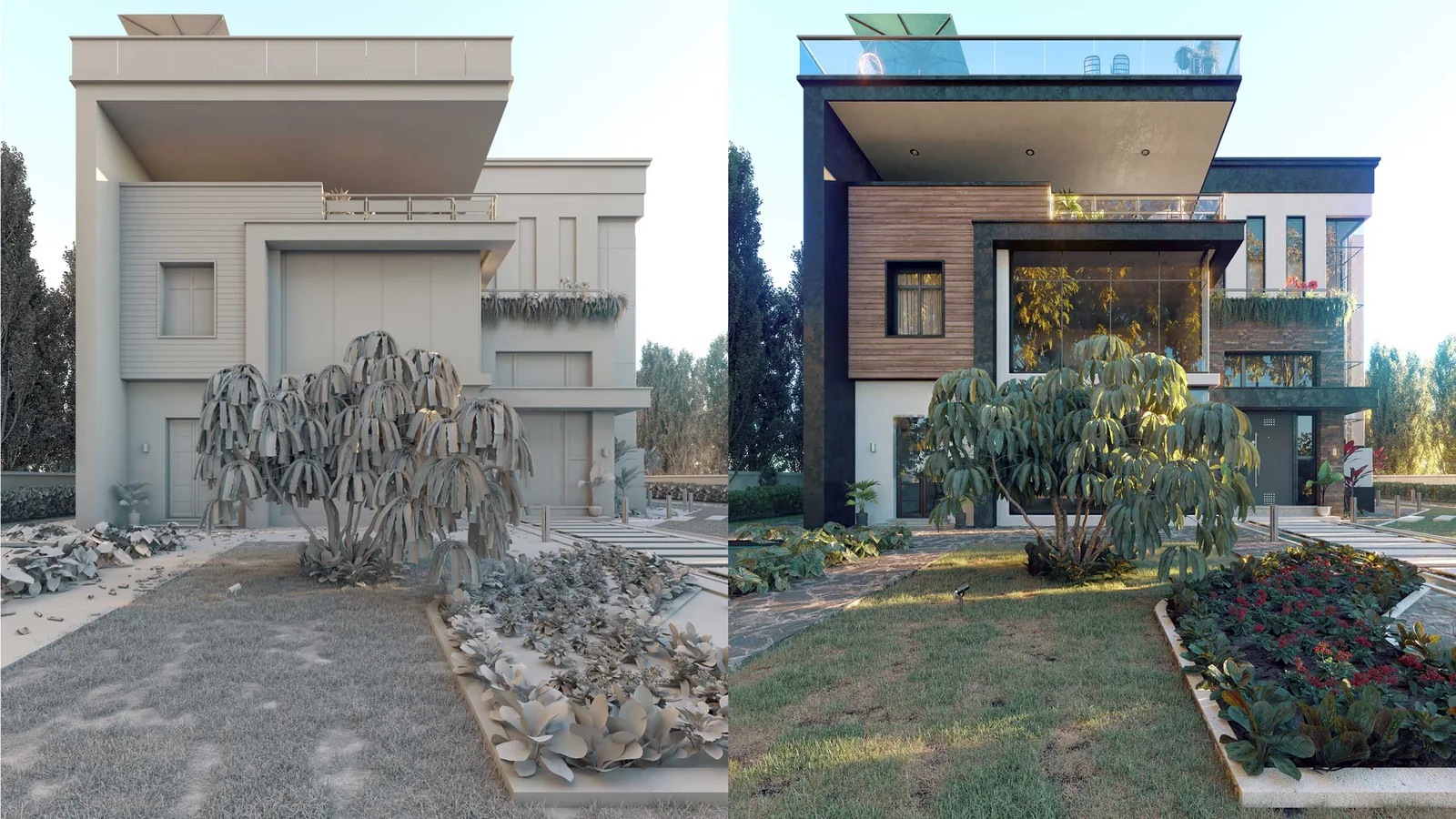
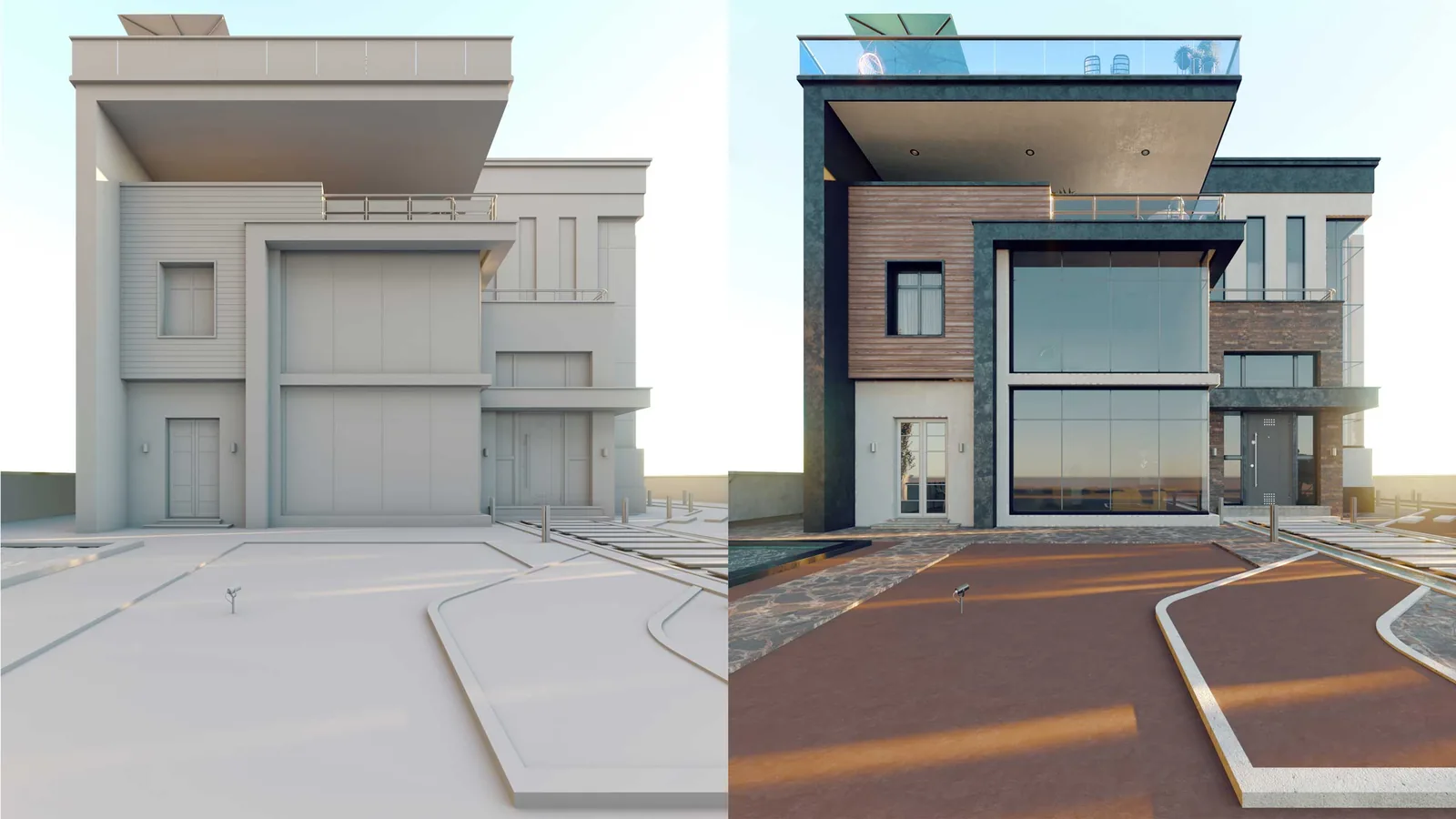
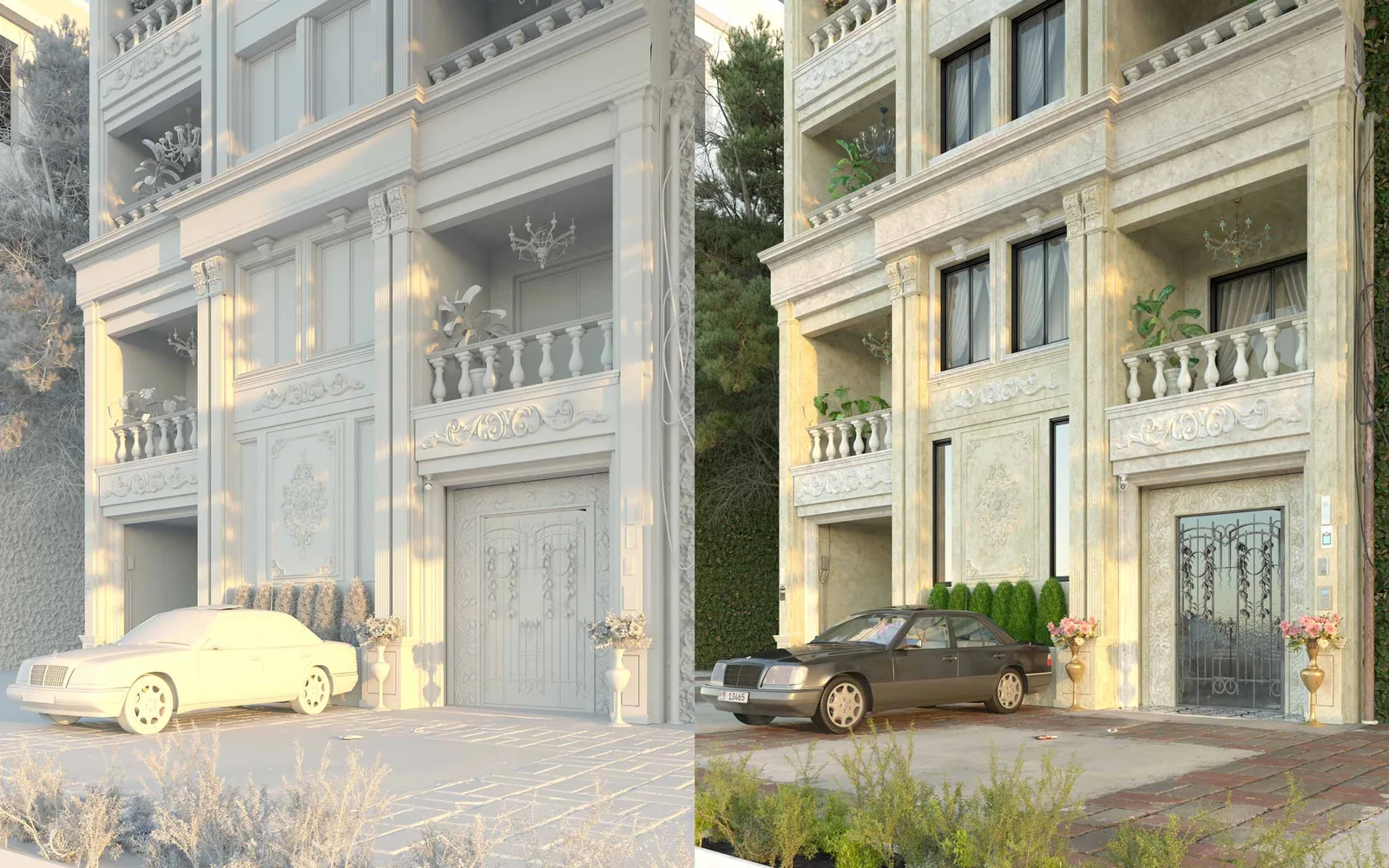
Learn how to get rid of lighting problems and control them, and treat their burns with special methods so they appear in the best realistic form, keeping the shadows and the three-dimensional form of the elements.

BeforeAfterWrongRight

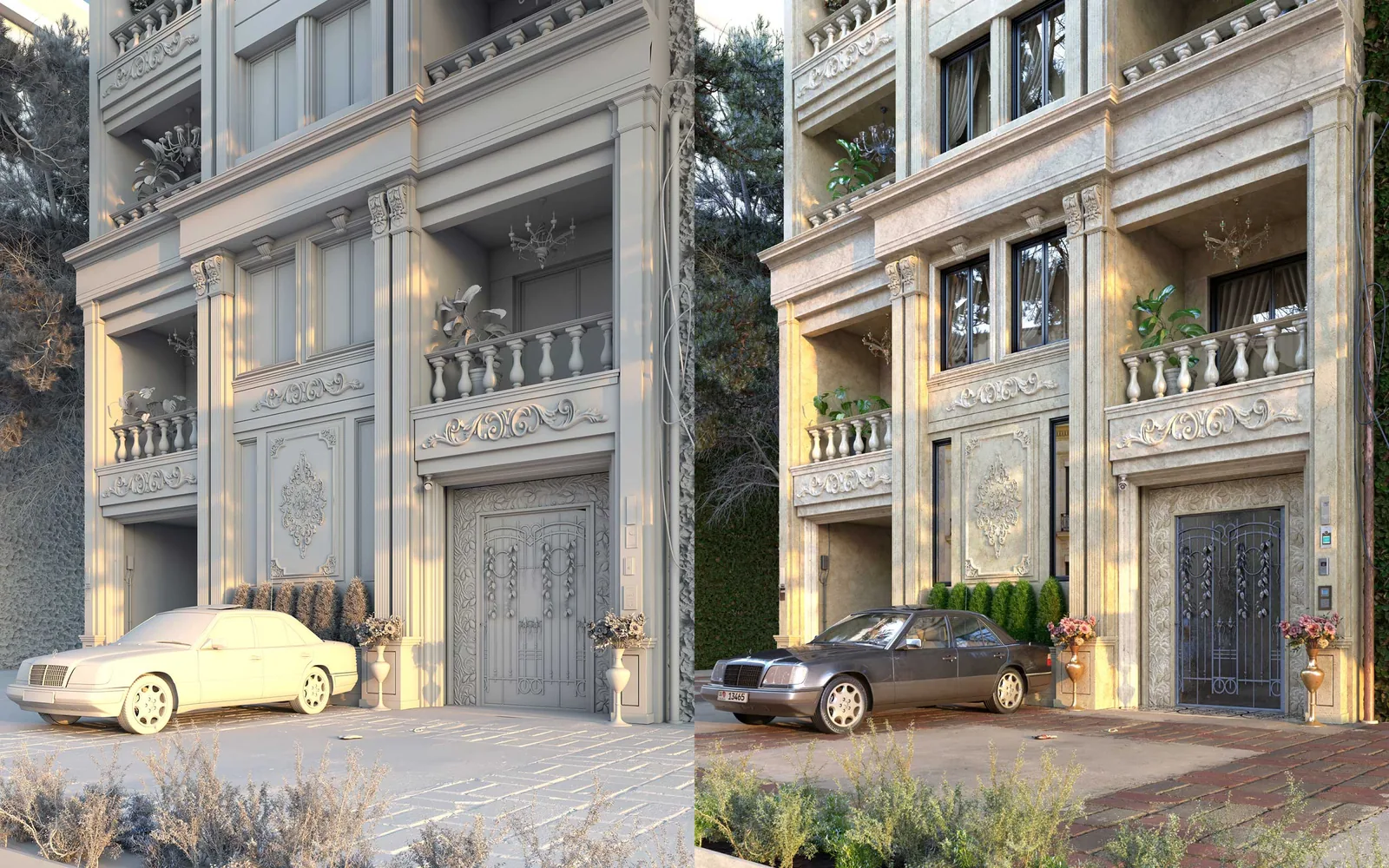
Learn how to get rid of unclear images, by training in ways of showing the depth of the scene and its finest details, especially classic details.

BeforeAfterWrongRight

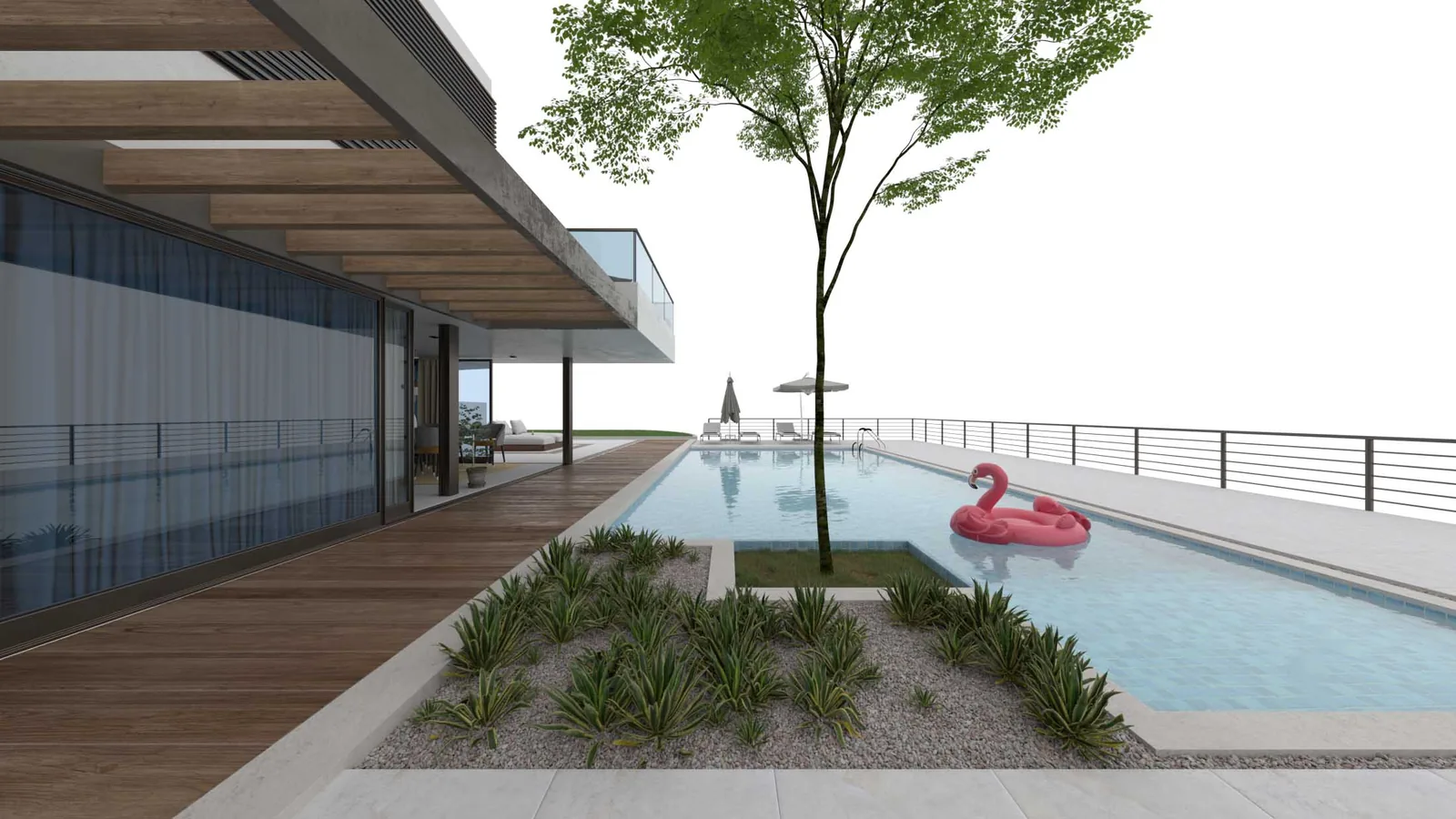
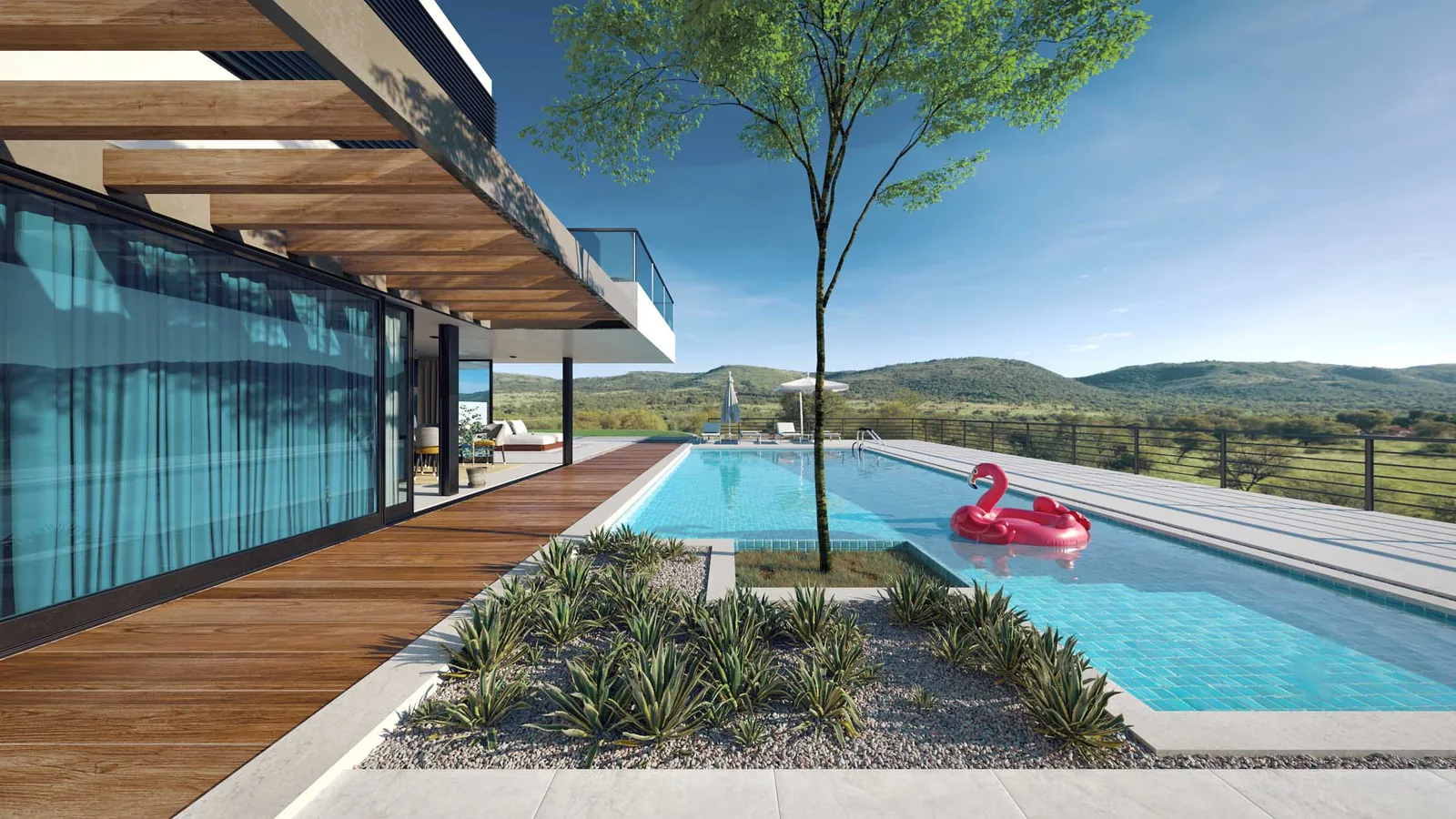
Learn how to get rid of weak presentation of materials and their colors, by adding special touches and setting the lighting correctly to bring the scene to life.

Do it Right

Learn how to get rid of lighting balance problems inside the HDRI, and treat its burns and wrong colors, and understand the important differences in its settings so you use it professionally and get the most beautiful results.

Advanced Architectural Rendering

What Will You Get?

You don’t have to choose an engine before you enroll: the course is built on V-Ray, the updates series adds a Corona interior workshop so you can work with any render engine, and the AI lessons pack comes with them. You create in the way that suits you.

The Course

  • More than 40 lessons and 20 hours of training, recorded and ready to download, in Arabic.
  • Recorded lessons activated on your device, to watch at any time.
  • Workshop files included for practical application.
  • Chaos Corona workshop.
  • Certificate of completion from 3D Render VS Real Academy.
  • Free updates to the course lessons for the subscriber.
  • A library of free-source blocks.

Support

  • Subscriber support on the Academy's online platforms.
  • Membership in the groups for the Academy's subscribers (Facebook and Telegram).

AI

  • Contrix Education for 1 year on the Contrix AI architectural rendering platform, images and video: renders in 4K, 15 renders a day and 5 videos a month.
  • The student License comes with a pack of AI lessons in Arabic on using the Contrix platform.
  • Access to Ask Abdulrahman, the smart chat with your trainer, in Arabic, for 1 year: ask it and solve your problems at any time.
Learn More

Course protection policy: the course is backed by a protection system and reserved rights, and this protection serves both the subscriber and the trainer.

Read more about protection in the purchase terms (in Arabic). Download the course content PDF (in Arabic)
Advanced Architectural Rendering

AI Lessons · on using Contrix

Contrix Education · 1 Year

Ask Abdulrahman · 1 Year

The course is taught in Arabic.

Total: $470
To complete your purchase Buy NowPrices & Bundles

After you complete the payment, the Academy will contact you on WhatsApp,
and you will receive an email with a link to download the course files and a video explaining how to activate the course on your device.

Need more help?

Talk to the trainer directly

Send a WhatsApp message

FAQ

Most Common Questions

How do I watch the course lessons?

The lessons are recorded, activated on your device after purchase, and you watch them at any time that suits you.

What level of experience is required to subscribe to the course and benefit from it?

Since the course content is advanced, the simple basics are not explained and the focus is on teaching advanced rendering methods. So you are required to be at a beginner level with simple knowledge of the program's basics.

Will the level I reach bring my work close to the level of the trainer's work?

The trainer's full experience and the methods of his own work are taught, through application on his leading projects and a detailed explanation of the secrets of their success. So by mastering the course you can, God willing, bring your work to a level close to, and competitive even with, the trainer's work.

Is the course only for exterior rendering, or does it include interior rendering?

In general, the course is meant to make you able to deal with all types of rendering and projects (although most of its applications are on exterior projects, there is a special section on ways of lighting interior spaces, with its workshops).

Can I subscribe knowing that I work with the Corona render engine?

Yes. Corona users can benefit greatly from the course, since the special techniques and lighting concepts apply easily on both engines (in the Materials section you will notice some differences in names and settings).